
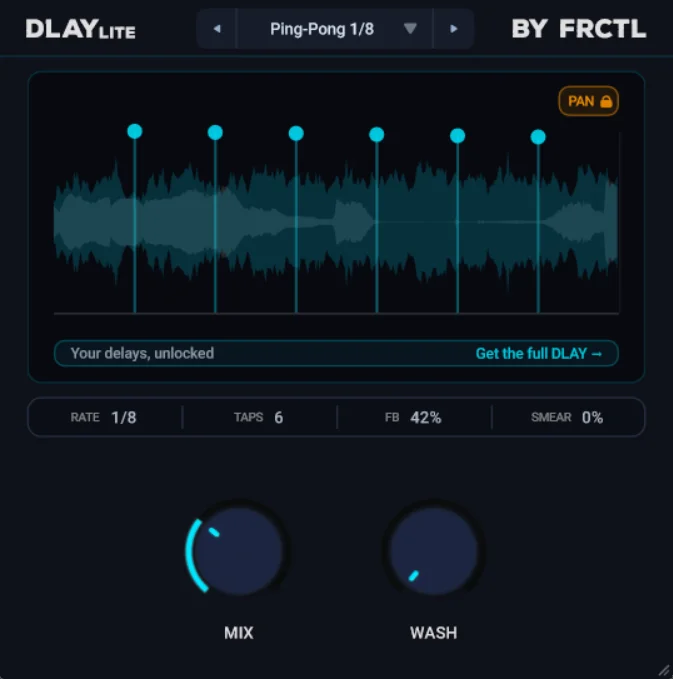
DLAY Lite
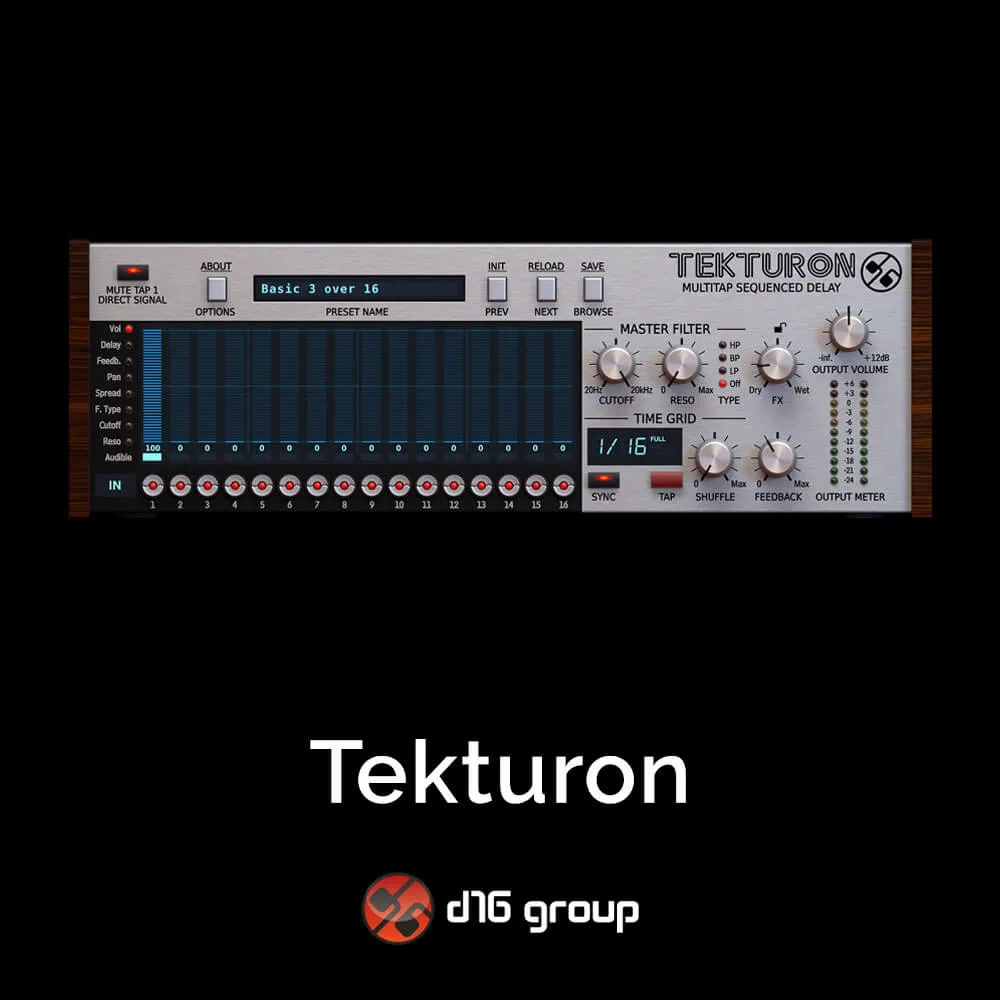
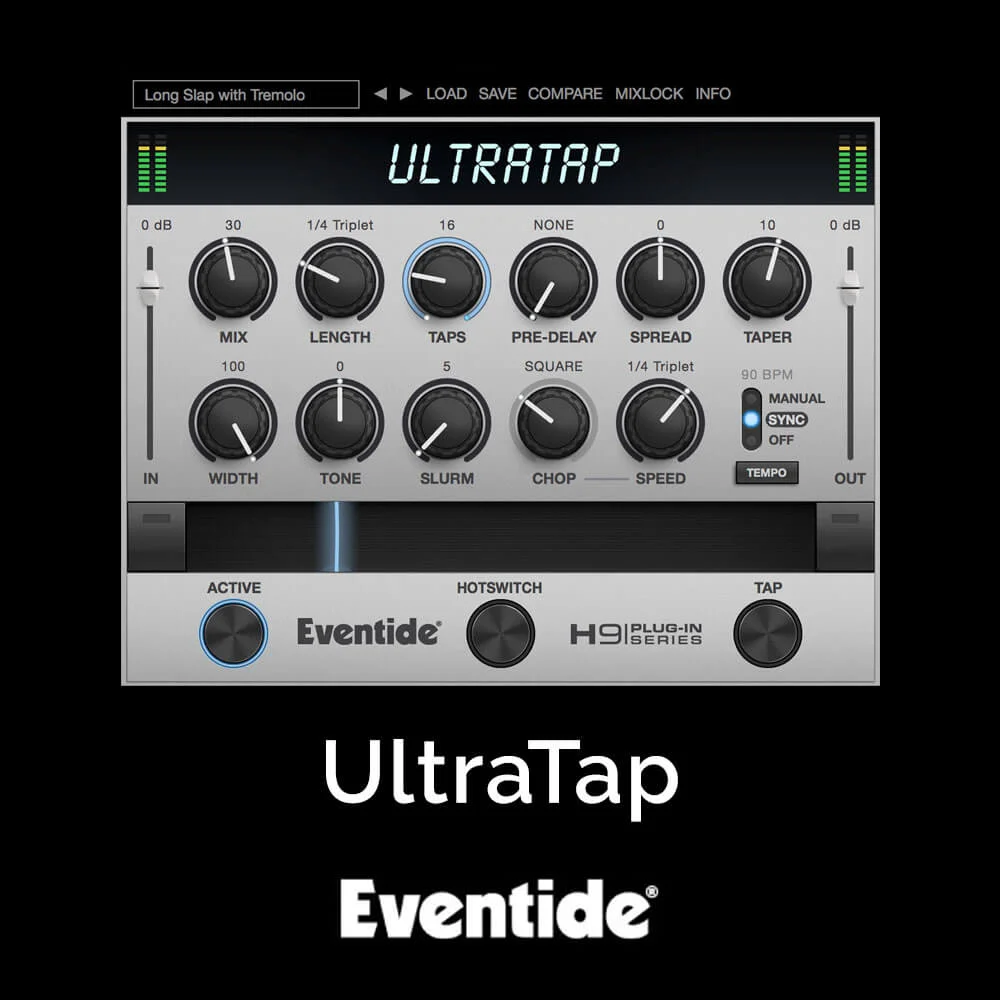
Key Features
- Visual multi-tap canvas lets you arrange up to 12 echoes by timing and level without opening a dense editor
- Mix control handles the dry/wet balance from subtle thickening to fully wet delay effects
- Wash control turns tighter repeats into longer, smoother, more diffuse tails for atmospheric delay-reverb textures
- Twelve ready-made presets cover quick slapbacks, long washes, and other fast-start delay shapes
- Commercial license and lifetime updates are included according to the official FRCTL Audio product page
- Windows, macOS, and Linux support makes it usable across the main desktop production setups
Description
DLAY Lite is a streamlined multi-tap delay built around fast echo design instead of deep parameter editing. You pick one of 12 presets, balance the dry and wet signal with Mix, then use Wash to push the repeats from tight echoes into a smoother, more diffuse tail.
The main canvas lets you arrange up to 12 echoes by timing and level, so it still feels more visual than a normal two-knob delay. That makes it useful on sends, synth hooks, vocals, guitars, and transitions where you want movement quickly without opening a full sound-design workstation.
Wash is the character control: lower settings keep the repeats clear, while higher settings stretch them toward a reverb-like cloud for pads, intros, and ambient fills. The free Lite version uses the same broad idea as FRCTL Audio's paid DLAY, but it strips the workflow down to the parts that make sense when you just need a usable space fast.
DLAY Lite supports Windows, macOS, and Linux, with VST3 and AU plugin formats listed on the official page. FRCTL Audio also states that commercial use is allowed, lifetime updates are included, and the plugin can be downloaded without an account or email, although the current site flow still routes users through a zero-dollar checkout.
Frequently Asked Questions
How much control do you get over the delay taps?
DLAY Lite lets you arrange up to 12 echoes and control their timing and level from the main canvas. It is designed for quick shaping, while the paid DLAY adds deeper per-tap controls such as pan, pitch, vowel, tone, saturation, and reverse.
What does the Wash knob change?
Wash changes the character of the repeat trail. Lower settings keep echoes tighter and clearer, while higher settings make them repeat longer and smear into a smoother, more reverb-like cloud.
Where does DLAY Lite make the most sense in a mix?
It is a good fit on sends, synths, vocals, guitars, and transition effects when you want a quick sense of space or rhythmic movement. The preset-first design is better for fast results than for detailed tap-by-tap sound design.
How is it different from the full DLAY plugin?
DLAY Lite focuses on the basic multi-tap sound with fewer controls, 12 echoes, and 12 presets. The paid DLAY expands that into up to 64 echoes, seven character modes, 168 presets, rhythm patterns, per-tap shaping, and full DAW automation.


