VirtualJV
Key Features
- Emulates the Roland JV-880 rack rompler as a DAW instrument rather than a generic sample pack
- Uses a modified version of NukeYKT's SC-55 DSP emulator work for chip-level JV-era behavior
- Loads original JV-880 ROM content after the user places legally sourced ROM files in the plugin's ROM folder
- Supports classic JV-style PCM sounds such as pianos, strings, brass, vocal patches, synth textures, and dance stabs
- Includes VST3 builds for macOS and Windows, with an AU component available for macOS users
- Caches descrambled waveform ROM data after first setup so later sessions open more directly
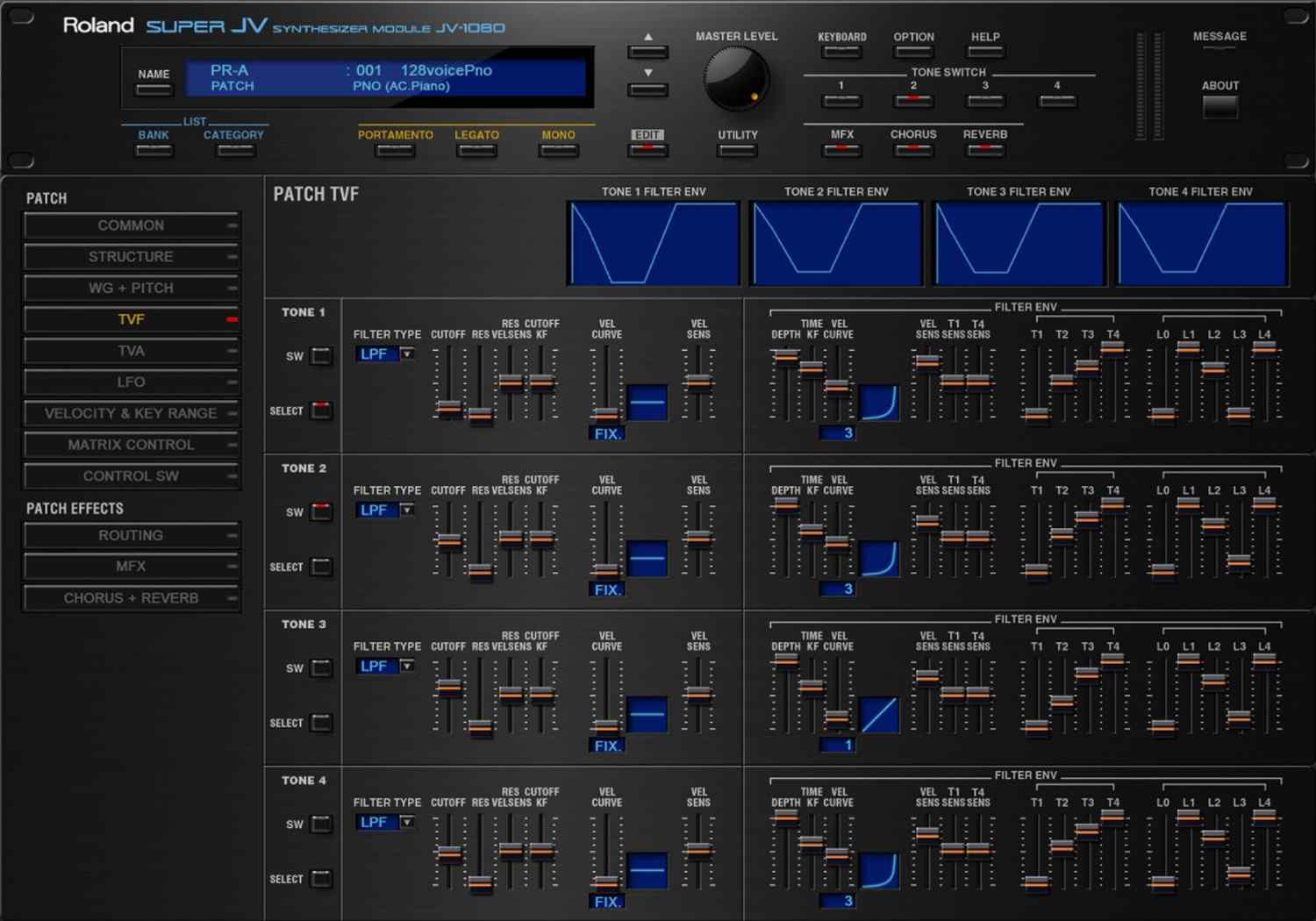
- Best suited to preset playback and authentic 90s hardware tone rather than deep graphical patch editing
Description
VirtualJV is a Roland JV-880 software emulation for producers who want the early-90s rack rompler sound inside a modern DAW. It runs as a VST3 instrument on macOS and Windows, with an AU build also available for Logic users.
The plugin is based on NukeYKT's open-source SC-55 DSP emulator work and aims to reproduce the JV-era tone rather than simply sample a few presets. That makes it appealing for classic PCM pianos, strings, brass, vocal patches, dance stabs, and the glossy workstation textures heard across 90s pop, R&B, house, ballads, and TV music.
The main tradeoff is the ROM requirement: VirtualJV does not include Roland ROM files, so users need legally sourced JV-880 ROMs before the instrument will make sound. On first launch, the plugin opens a ROM destination folder, then descrambles and caches waveform ROMs after the files are copied there.
Community discussion around VirtualJV is strongest among users who already know the JV hardware and want an accurate preset-player style experience. It is not currently a full front-panel editor, but for nostalgic JV tones and expansion-card playback, it is a focused way to bring that hardware character into a session.
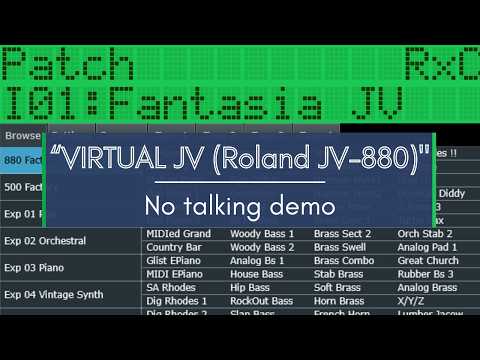
Video Preview

Frequently Asked Questions
Does VirtualJV include the Roland JV-880 ROMs?
No. VirtualJV requires original JV-880 ROM files, and the developer does not distribute those ROMs with the plugin. Users need to provide legally sourced ROM files before the instrument will produce sound.
Is VirtualJV more like a full synth editor or a preset player?
Current user discussion describes VirtualJV primarily as a preset-player style emulation. It focuses on getting the JV-880 sound running in plugin form, while deeper front-panel style editing is limited compared with the hardware workflow.
Why can first launch take a while?
The developer notes that waveform ROMs are descrambled and copied to a cache after the user places ROM files in the destination folder. That first cache build can take about a minute before the plugin is ready.
Which build should most DAW users download?
Most users should start with the VST3 build for their platform, because VST3 is the standard cross-DAW plugin format on macOS and Windows. Logic users can use the separate AU component from the GitHub release if they prefer.