Key Features
- Play nine vintage-inspired synths from one instrument
- Layer or split up to three synths and save performances
- Program sounds using full panels, modulation, arpeggiators and sequencers
- Generate tempo-synced bass, chord and lead ideas and drag MIDI or audio into a project
- Shape sounds with an integrated effects rack
- Browse 250 factory presets and 127 performances
Description
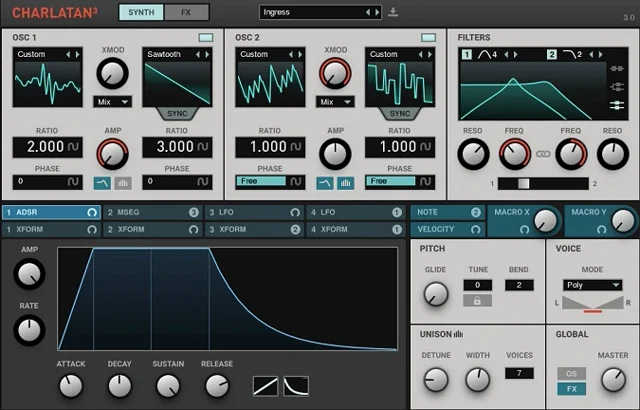
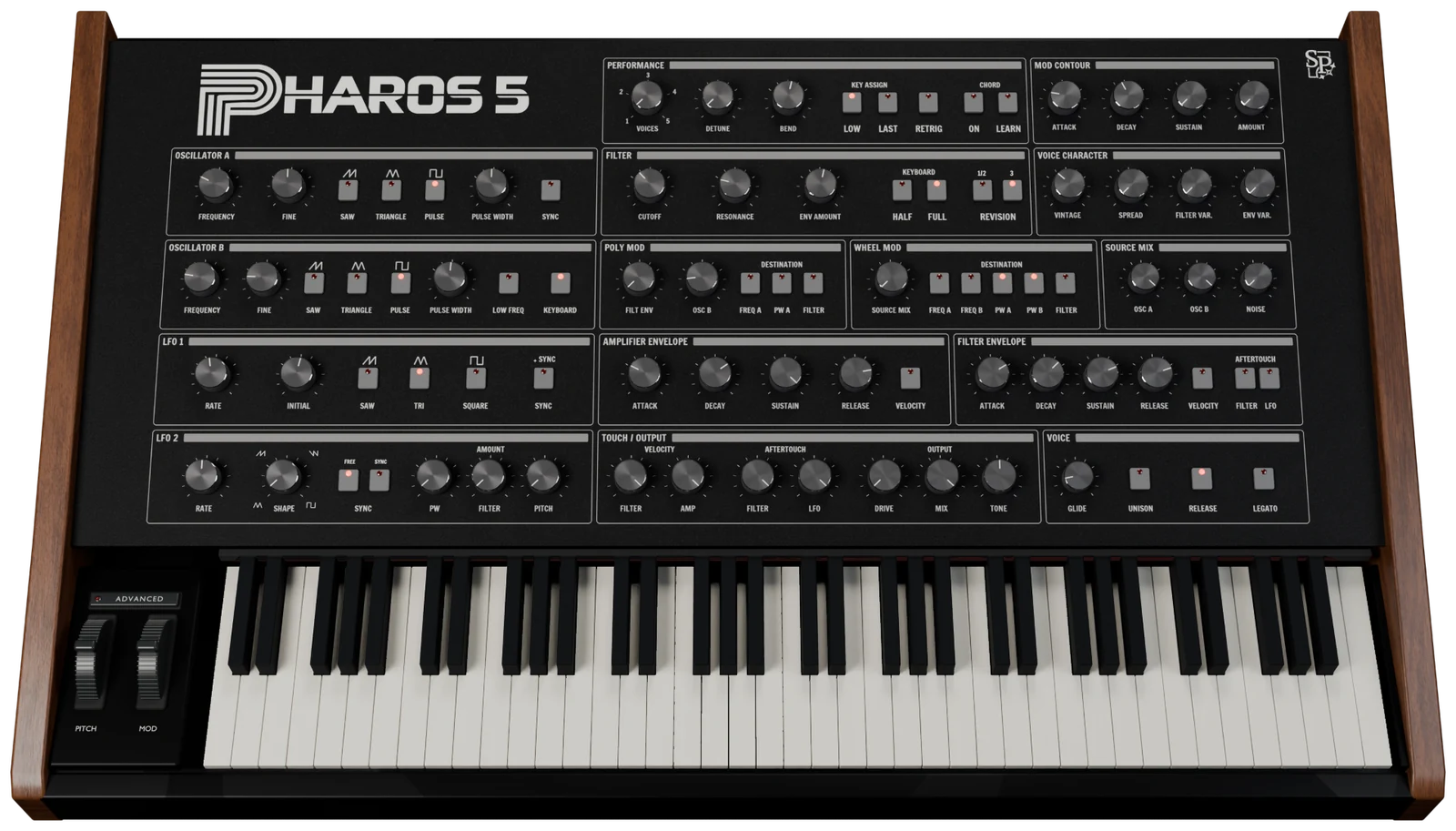
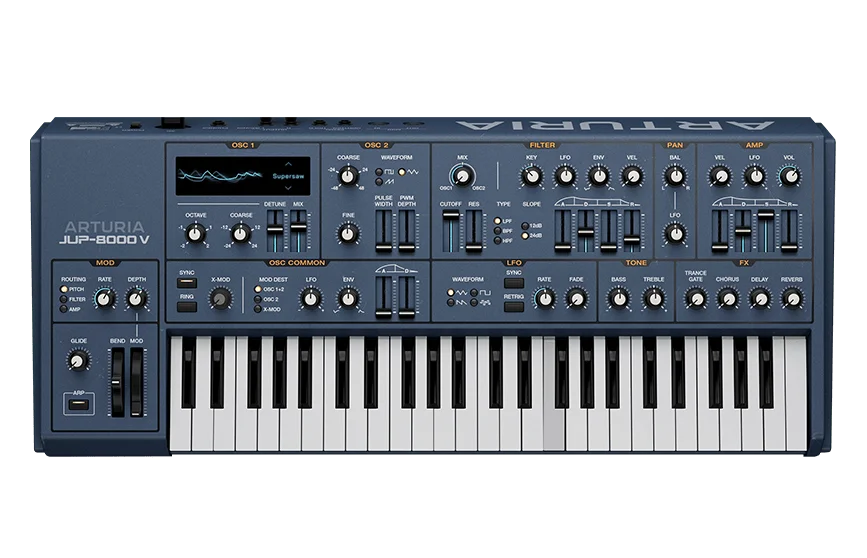
The Synth Palace is a synthesizer plugin that brings nine vintage-inspired instruments into a single workspace. You can play one instrument on its own or combine up to three as layers or keyboard splits, then save the setup as a performance.
Each synth opens to a full control panel, with an arpeggiator, step sequencer and modulation sources in its advanced section. A shared browser includes 250 factory presets and 127 performances, giving you starting points before you program your own sounds.
MIDI Ideas generates connected bass, chord and lead parts that follow your DAW tempo. You can randomize a progression, change its key and drag the resulting MIDI or audio onto a track for further editing.
The built-in rack includes drive, modulation effects, EQ, tape echo and reverb for shaping sounds inside the instrument. Twenty visual scenes change the surrounding room without affecting the sound.
The collection is free to keep, while optional paid sound banks add presets. Its broad palette may not match the sound of the strongest dedicated synth emulations, and the developer sends the installers after you enter an email address.
Frequently Asked Questions
Can I layer and split the synths?
Yes. Choose up to three synths to layer, split across the keyboard or play individually, and save the combination as a performance.
Can I export ideas to my DAW?
Yes. MIDI Ideas follows your DAW tempo and lets you drag MIDI or audio onto a track.
Do I need the paid sound banks to use the instruments?
No. All nine synths, factory presets, performances and effects are included; the optional banks add more presets.
How do I get the installers?
Enter an email address on the developer’s product page. The developer sends the Mac and Windows installers by email and requests consent to updates and offers.