Why Dit
Key Features
- One main control adds stereo width, brightness, and a sense of space without a deep parameter page.
- Rainbow mode provides an optional second layer of widening character for more pronounced results.
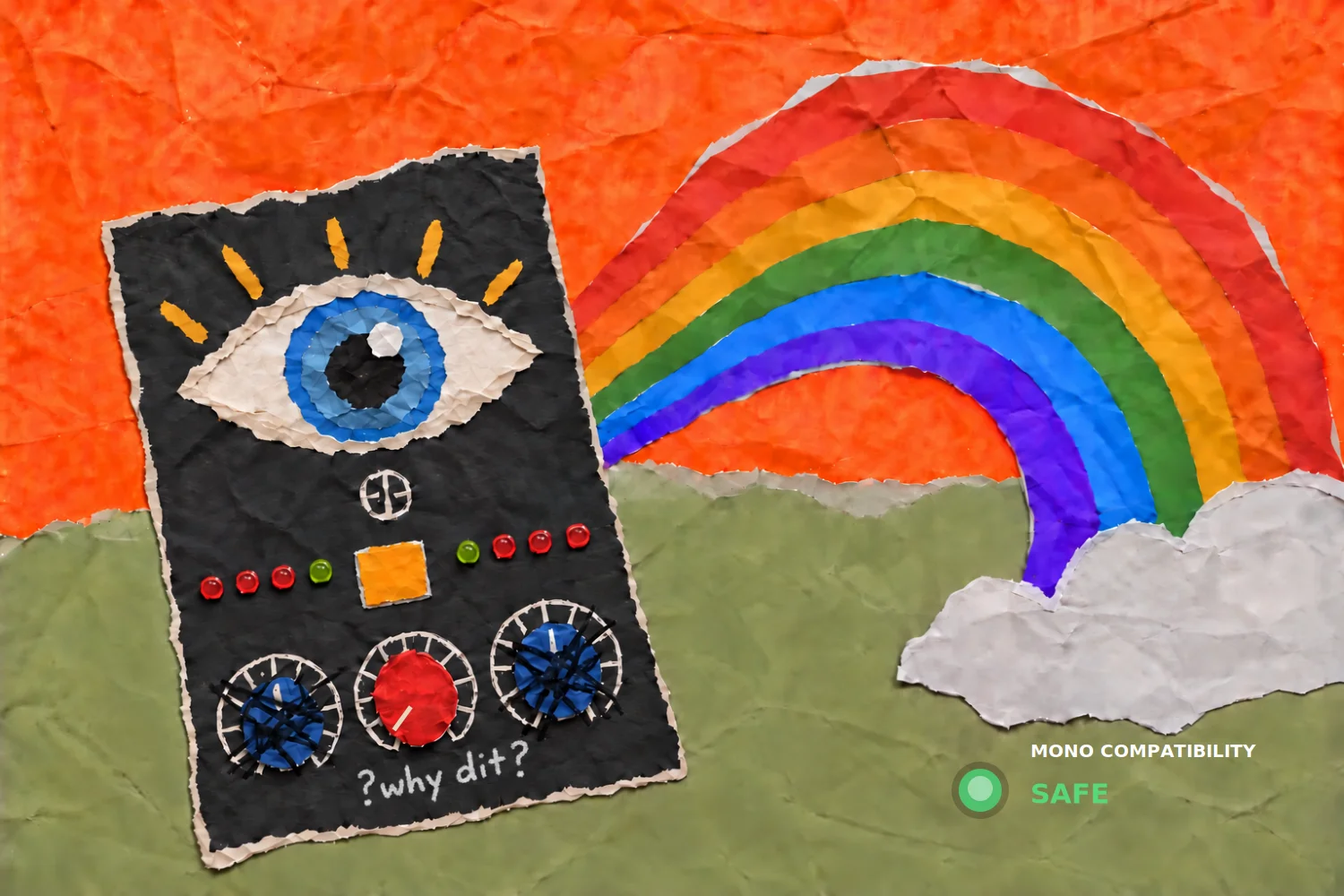
- A mono-compatibility indicator offers a quick visual check when shaping a wider stereo image.
- The intentionally compact workflow suits fast enhancement on vocals, synths, guitars, delays, buses, and mixes.
- Handmade paper-collage graphics give the interface a deliberately playful visual identity.
- Available in VST3 for Windows and VST3 or AU for macOS host-based setups.
Description
Why Dit is a minimalist stereo widening effect from Teroof Plugins that uses one main control to add width, brightness, and a sense of air to an existing sound. It is designed for quick, playful enhancement rather than detailed multiband or mid/side editing.
The central knob can be used on vocals, synths, guitars, delays, and full mixes when a source needs more space without building a complex effect chain. Its optional Rainbow mode adds a second layer of stereo character for a more pronounced, colorful result.
A mono-compatibility indicator gives a quick visual check while you work, which is useful when widening a bus or full mix. That makes the compact control set best suited to fast tone-and-space decisions, with monitoring available before committing to a wider image.
Why Dit uses a handmade paper-collage interface rather than a conventional console-style panel. It is available as VST3 on Windows and as VST3 or AU on macOS, so it fits current host-based production workflows on both platforms.
Video Preview

Frequently Asked Questions
What does the main control in Why Dit do?
Teroof Plugins describes the main knob as adding width, brightness, and air to a sound. It is intended as a quick stereo-enhancement control rather than a set of separate detailed processors.
What is Rainbow mode?
Rainbow mode is an optional mode that adds another layer of stereo widening character. Use it when the standard one-knob effect needs a more colorful or pronounced sense of bloom.
Can Why Dit be checked in mono?
Yes. The interface includes a mono-compatibility indicator, giving you a visual reference while adjusting stereo width. It is still sensible to audition important mix decisions in mono in your DAW.
Which plugin formats does Why Dit support?
The developer lists VST3 for Windows and VST3 plus AU for macOS. A compatible host is required to load the plugin.