
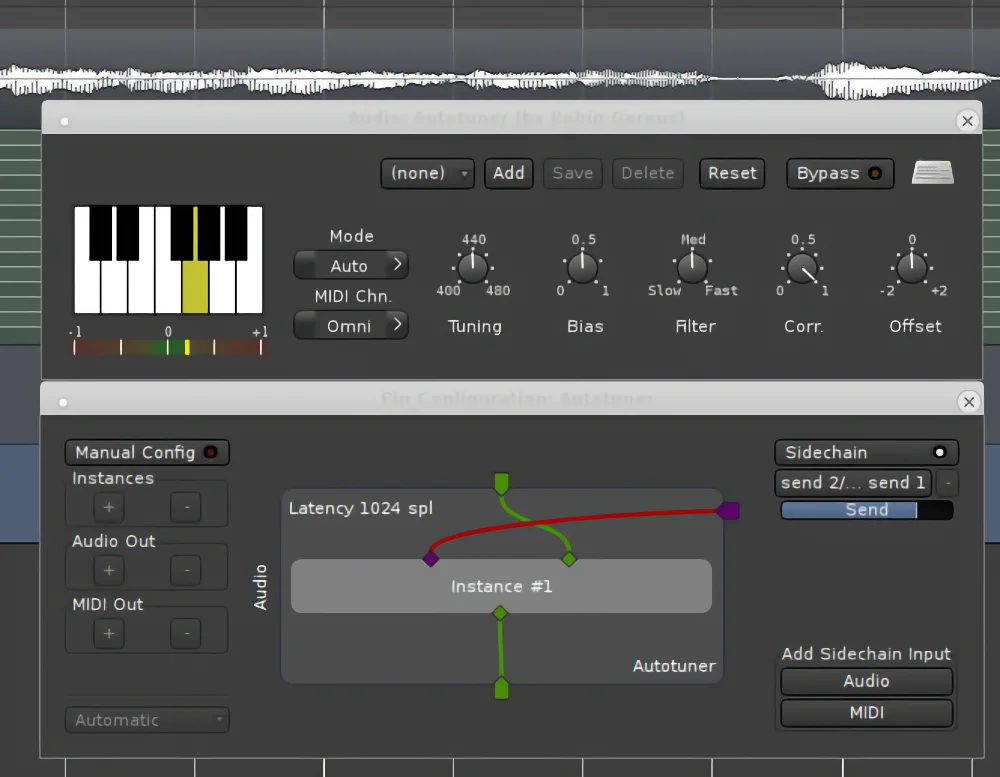
x42 Auto Tune
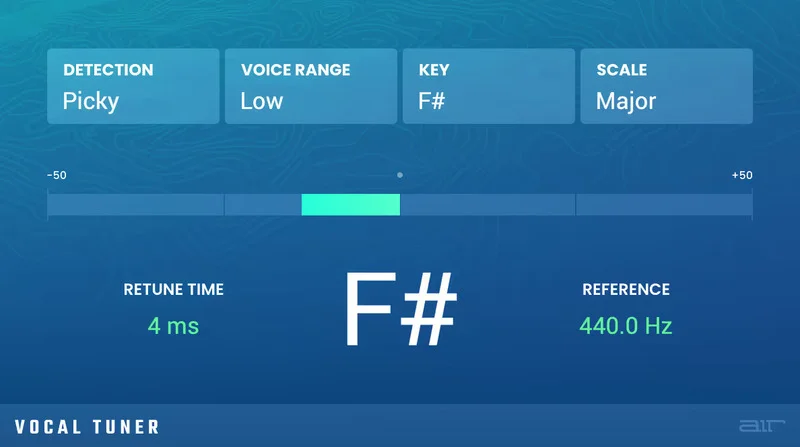
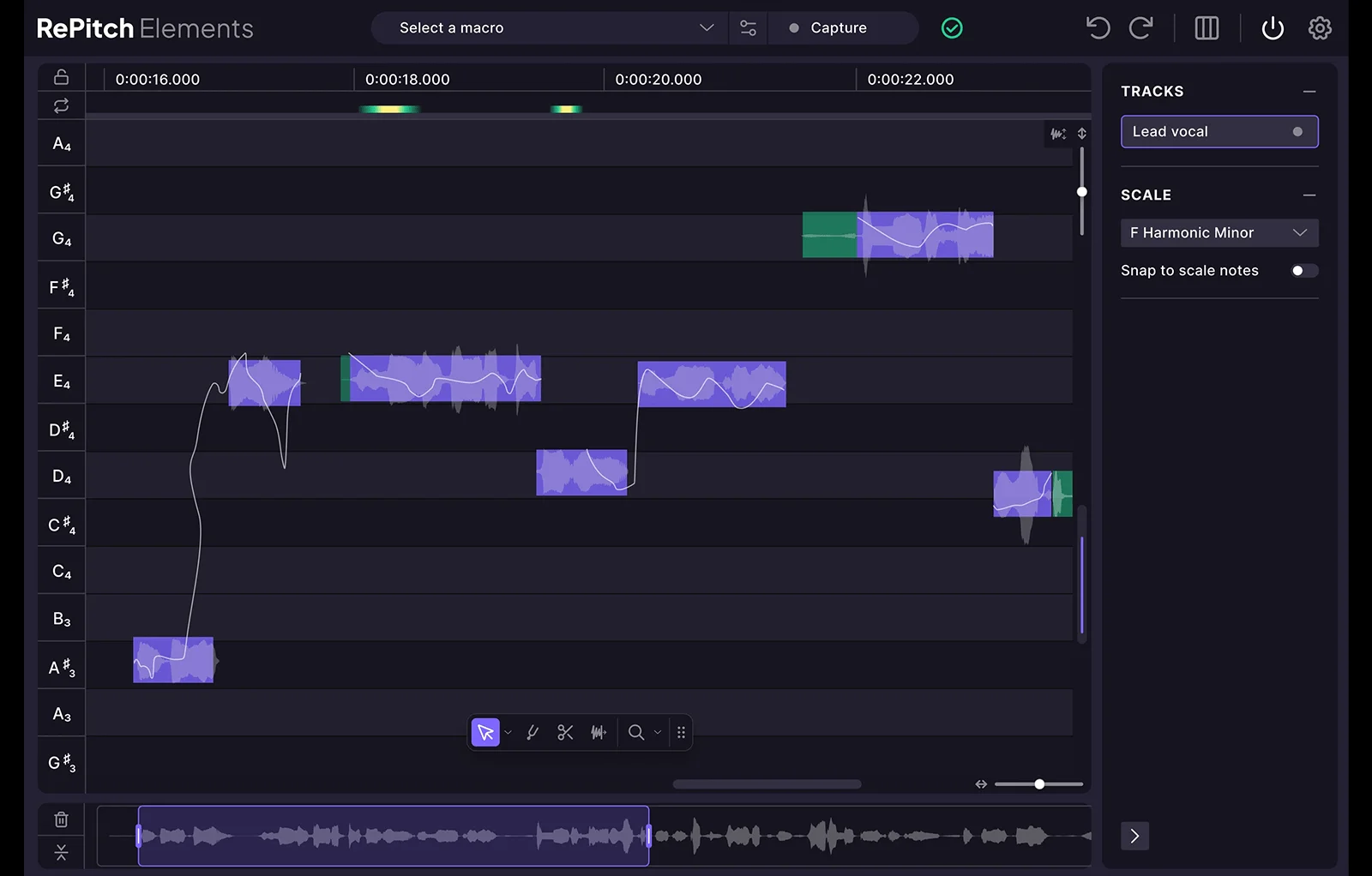
Key Features
- Real-time pitch correction for singing voices and other pitched sources
- Manual, MIDI, and Auto operation modes for choosing target notes
- Keyboard scale selection with common major and minor scale presets
- MIDI channel selection and panic control for clearing hanging notes
- Bias, filter, correction, tuning, and ±2 semitone offset controls
- Pitch error meter for seeing the input’s distance from the target note
- Latency reporting and session-state recall in the LV2 version
Description
x42 Auto Tune is a real-time vocal pitch corrector built around the AT1 algorithm and designed for small tuning errors. It resamples and loops the input signal to move a singing voice toward the nearest enabled note, making it useful for tracking and cleanup when the performance is close but not quite in tune.
The expected pitch can come from a fixed note set, MIDI input, or the plugin’s automatic mode. A one-octave keyboard lets you enable individual notes or choose common major and minor scales, while MIDI channel selection and a panic control help manage external note input.
Correction controls cover tuning frequency, bias, smoothing filter, correction amount, and a ±2 semitone offset. The pitch error meter shows the input’s distance from the current target note, and the plugin reports latency and saves session state in the LV2 version.
The method has a clear boundary: the official documentation says x42 Auto Tune does not include formant correction and is intended for slight errors rather than full-song transposition. That makes it a focused choice for vocal takes, melodic phrases, and instrument parts that need restrained correction, with MIDI control available when scale-based automatic tuning is not enough.
Video Preview

Frequently Asked Questions
Can x42 Auto Tune transpose an entire vocal performance?
It is intended for small pitch errors rather than full-song transposition. The documentation also notes that it does not include formant correction, so larger shifts can produce less natural results.
How do I choose the notes that the tuner can use?
In Manual mode, enable or disable notes on the one-octave keyboard and optionally choose a common major or minor scale. In Auto mode, the fixed note set is used when no MIDI notes are active.
Can MIDI control the target pitch?
Yes. MIDI mode responds to note-on and note-off messages, while Auto mode gives MIDI priority when notes are active; the MIDI channel can be set to Omni or a specific channel.
What does the Bias control do?
Bias adds preference for the current note, allowing the input to move farther out of tune before the target changes. This can help avoid abrupt note switching on expressive vocals.


