
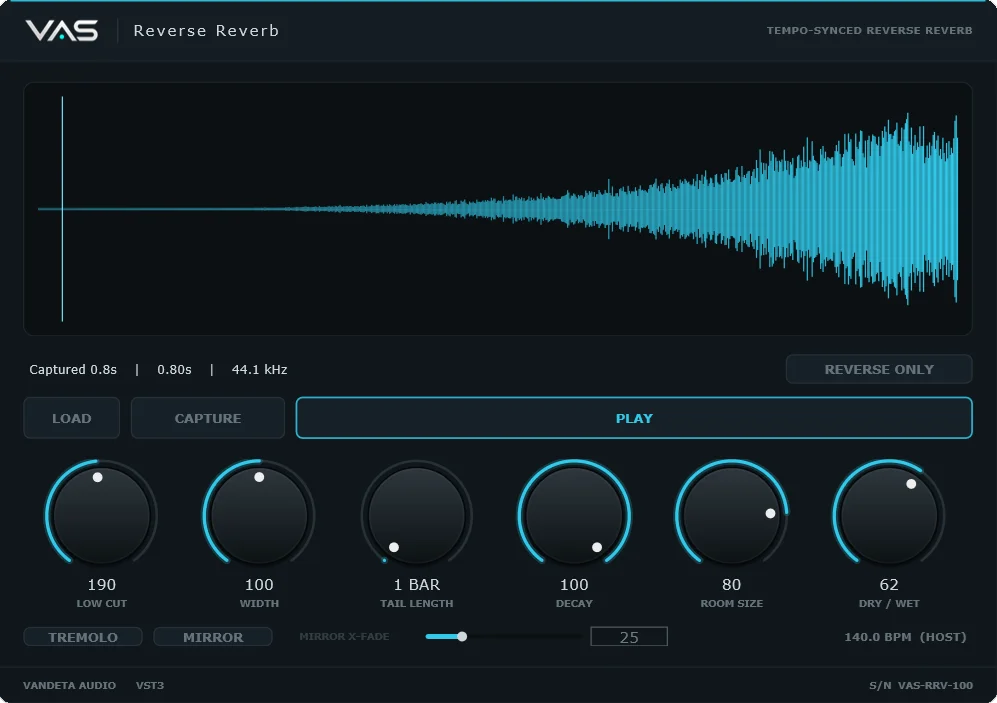
VAS Reverse Reverb
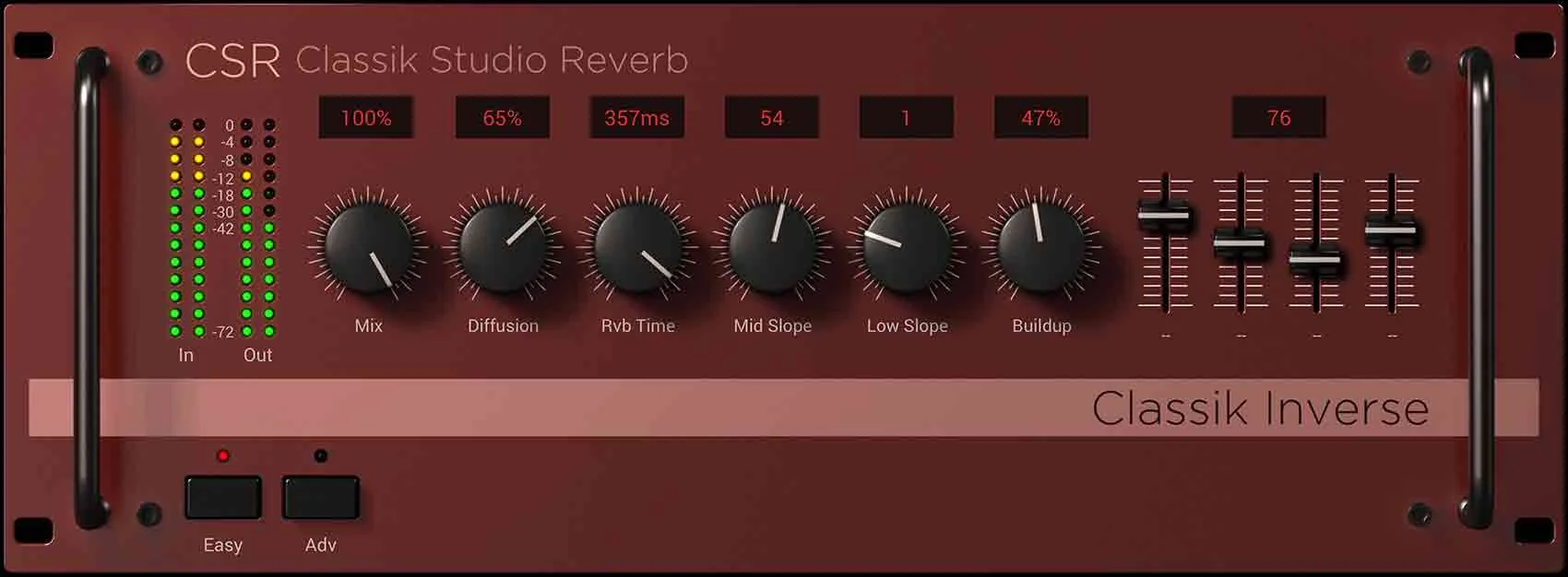
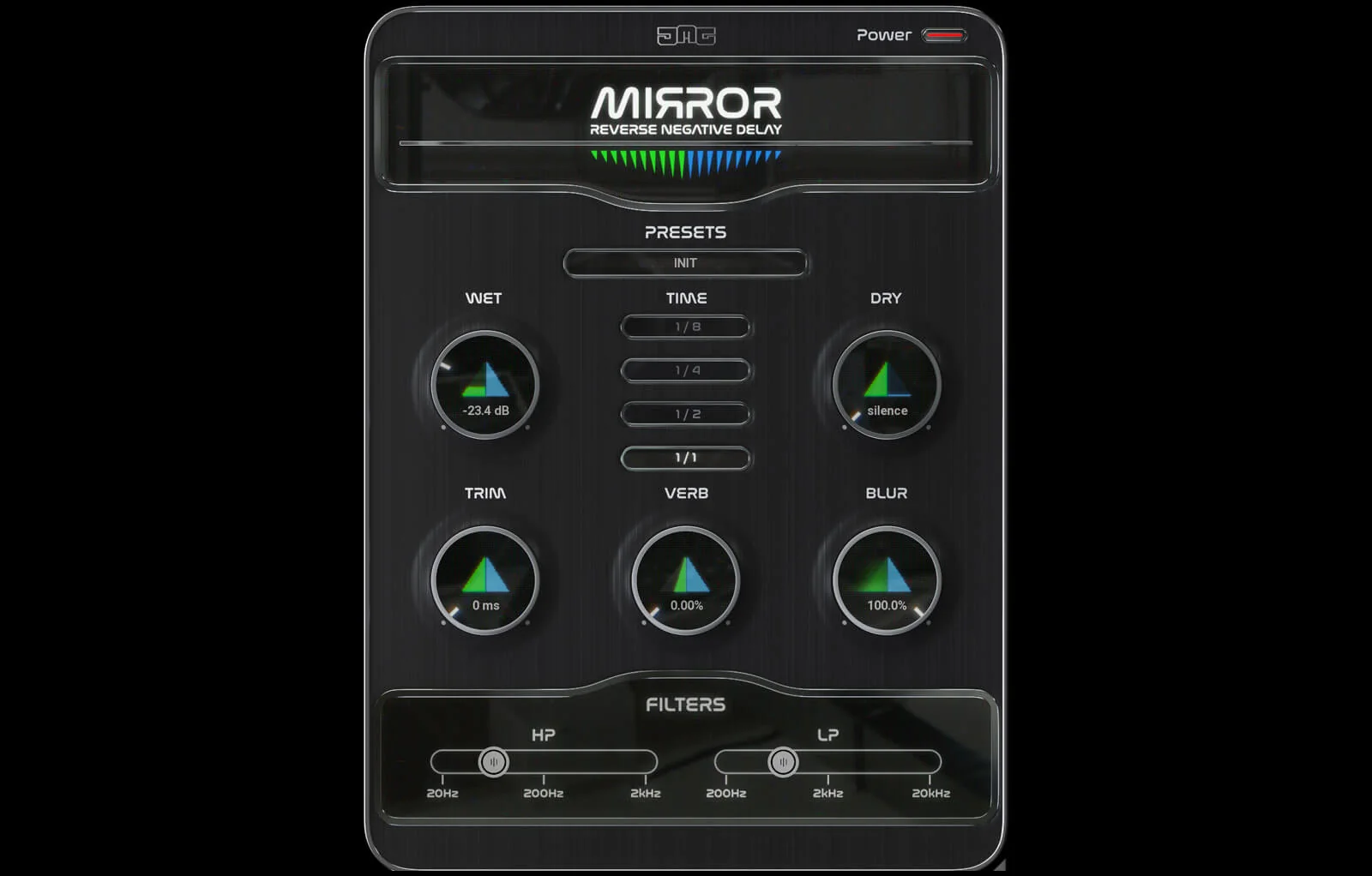
Key Features
- Builds a tempo-synced reverse-reverb swell from a dropped one-shot or audio captured from a track.
- Renders a draggable audio clip that can be placed back on the DAW grid without extra trimming.
- Sets the tail to one, two, four, or eight bars so the rise can land on the next downbeat.
- Shapes the swell with Decay, Room Size, Low Cut, stereo Width, and Dry/Wet controls.
- Offers Reverse Only for clean flipped audio and Mirror for a symmetrical rise-and-release effect with adjustable crossfade.
- Uses background offline rendering to keep the processing load low while creating transition effects.
Description
VAS Reverse Reverb is Vandeta Audio Software's tempo-synced tool for turning a one-shot or captured track audio into a reverse-reverb swell that finishes on the next downbeat. It renders a draggable audio clip, avoiding the usual reverse, reverb, render, reverse-again, and manual-alignment workflow.
Choose a one-, two-, four-, or eight-bar tail, then shape the result with Decay, Room Size, Low Cut, Width, and Dry/Wet controls. The waveform display and host-tempo readout make it easier to judge the rise before returning the rendered clip to the project.
Reverse Only creates a grid-locked flipped sound, while Mirror folds the swell into a symmetrical rise-and-release shape with adjustable crossfade. A Tremolo switch adds movement when a static build-up needs extra pulse.
Offline background rendering keeps the process light on the DAW, which suits transitions, pre-drop tension, vocal lead-ins, and reverse snare-style effects. VAS Reverse Reverb is designed for producers who want an editable audio result rather than leaving a long effect insert active in the session.
Frequently Asked Questions
How does VAS Reverse Reverb create a riser?
Drop in a one-shot or capture audio from a track, then choose the tail length. The plug-in produces a tempo-synced swell that rises from silence and finishes on the next downbeat.
Can I bring the result back into my DAW as audio?
Yes. VAS Reverse Reverb renders the processed result as a draggable clip, so it can be returned to the project and edited like normal audio.
What is the difference between Reverse Only and Mirror?
Reverse Only makes a clean, grid-locked flip of the source. Mirror creates a symmetrical shape that rises into the hit and breathes back out, with a separate Mirror X-Fade control for the transition.
What is required to get the download?
The developer's $0 checkout requires an email address. Account login is optional, no payment details are requested, and the optional product-updates checkbox is off by default according to the release coverage.


