
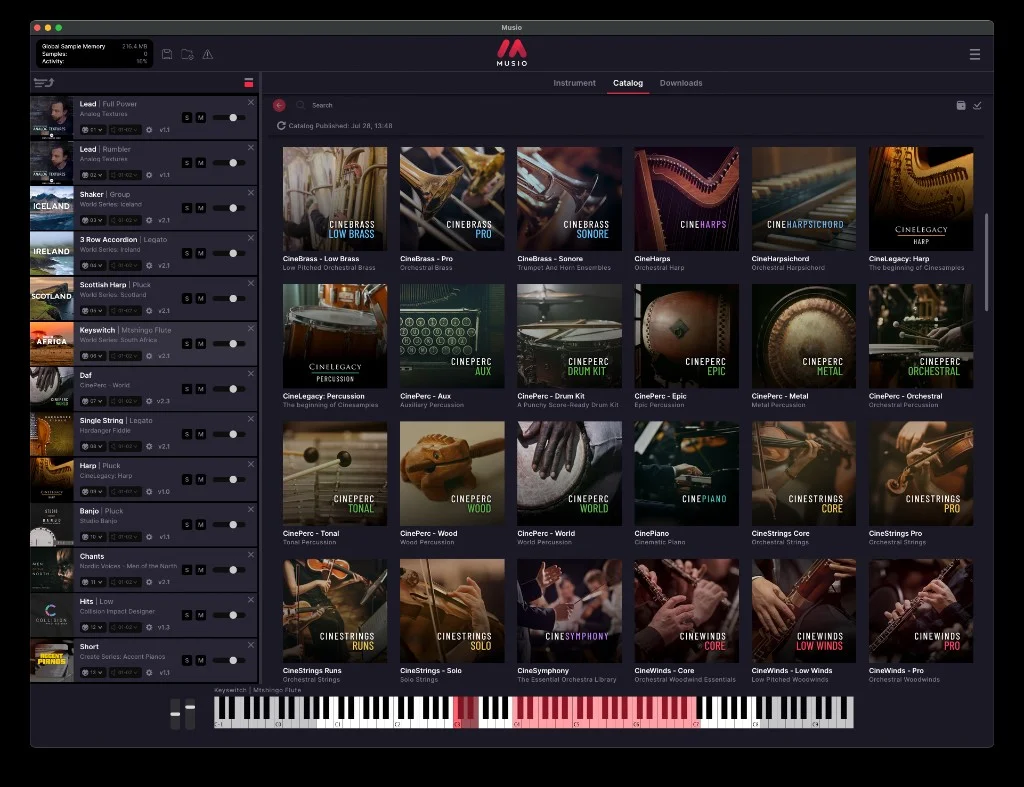
Musio Essentials
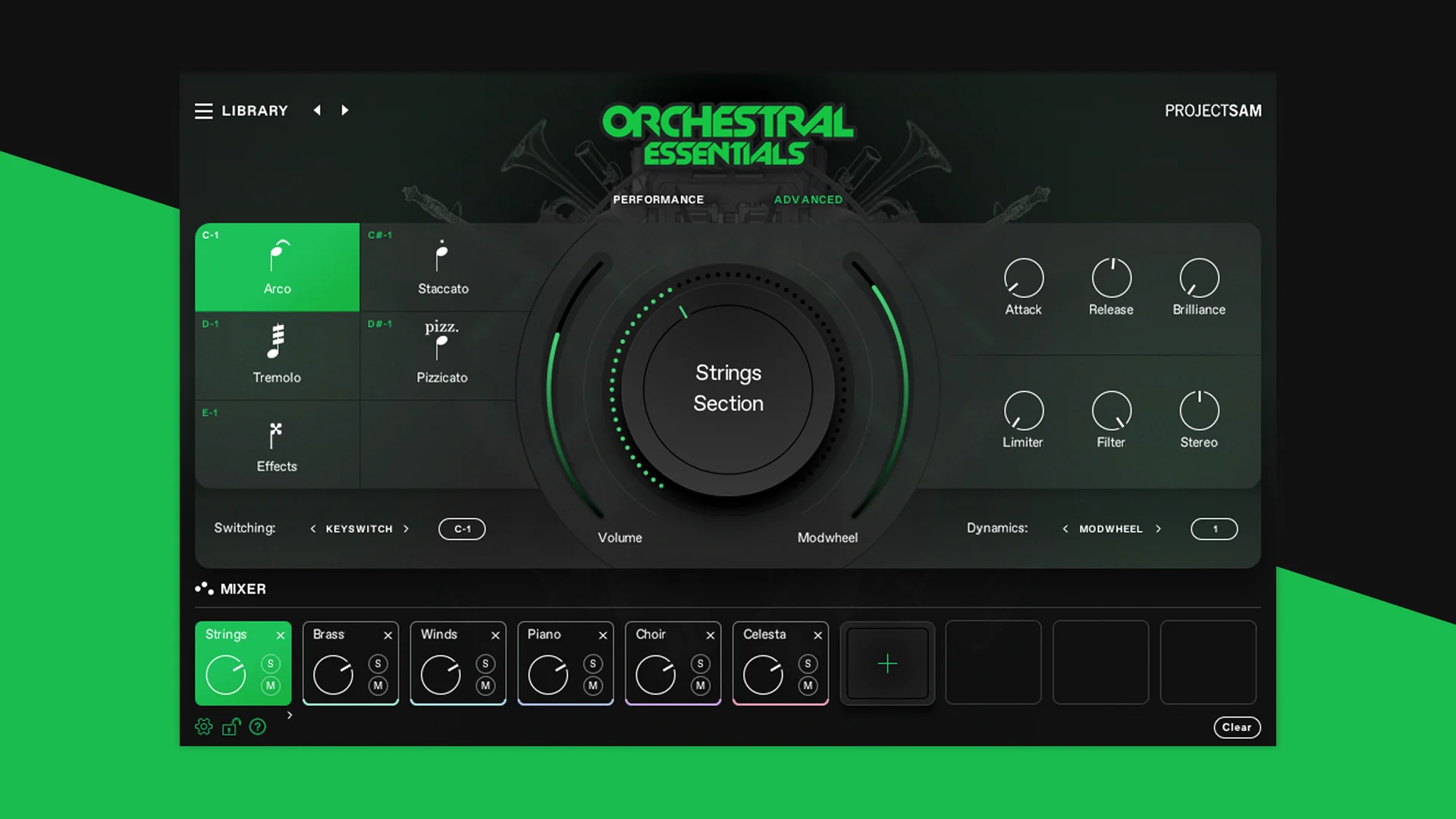
Key Features
- A new Musio account automatically includes the Essentials library collection at no charge.
- The current selection spans orchestral colors, acoustic percussion, pianos, vintage instruments, and cinematic effects rather than one narrow instrument family.
- Named libraries include CineLegacy Harp and Percussion, Mister Rogers' Celeste, CineSymphony, Village Drums and Mallets, and Ancient Bones.
- Instruments are browsed, loaded, and played from the Musio catalog instead of requiring a separate Kontakt installation.
- The same Musio environment supports VST3, AU, AAX, and standalone use on macOS and Windows.
- The starter pack can be expanded later with a Musio+ Complete membership or perpetual Marketplace libraries.
Description
Musio Essentials is Cinesamples' included starter collection for the Musio virtual-instrument plugin, giving a new account a varied set of playable acoustic, orchestral, percussion, piano, and vintage-instrument libraries. It is a practical way to sketch cues or add distinctive colors such as celeste, harp, kalimba, tongue drum, upright piano, and eerie Ancient Bones textures without loading Kontakt.
The collection is accessed from Musio's catalog after account creation and app installation rather than as separate installers. The current included library list is subject to change, but Musio documents tools including Mister Rogers' Celeste, CineLegacy Harp and Percussion, CineSymphony, Village Drums and Mallets, a Prophet 5, a LinnDrum, and several Create Series instruments.
Musio provides an integrated browser and player, so the workflow is oriented around auditioning, loading, and playing individual instruments within one interface. Its broader platform is built for composers working across orchestral and cinematic writing, but the Essentials selection is also useful when a pop, ambient, or electronic production needs an organic melodic accent or unusual percussion color.
Essentials is not the full Musio catalog: larger collections are offered through a paid Musio+ Complete membership or as individual perpetual Marketplace licenses. The included pack remains attached to a free Musio account, while the account is also needed to download the Musio application and access its libraries.
The Musio plugin runs as VST3, AU, AAX, or standalone on macOS and Windows. That makes the starter collection a low-friction option for testing the Musio browser and instrument workflow in a compatible DAW before deciding whether the paid catalog is relevant to a larger scoring setup.
Frequently Asked Questions
What is included with Musio Essentials?
Musio lists a changing collection of included sample libraries, currently covering instruments such as celeste, harp, orchestral percussion, pianos, kalimba, tongue drum, vintage synthesizer and drum-machine sounds, plus cinematic effects. The support article notes that the list is subject to change.
How do I access Musio Essentials?
Create a Musio account, download and install the Musio application from the account area, then sign in and open the catalog. Musio says the Essentials libraries are the entries that are not dimmed and do not display a Store icon.
Do I need Kontakt to use Musio Essentials?
No. Musio documents its own VST3, AU, AAX, and standalone plugin workflow, so another sample player is not required to browse, load, and play the libraries.
Is Musio Essentials the full Musio catalog?
No. Essentials is the account-included starter collection. Musio offers its wider catalog through Musio+ Complete and individual perpetual Marketplace licenses.


