
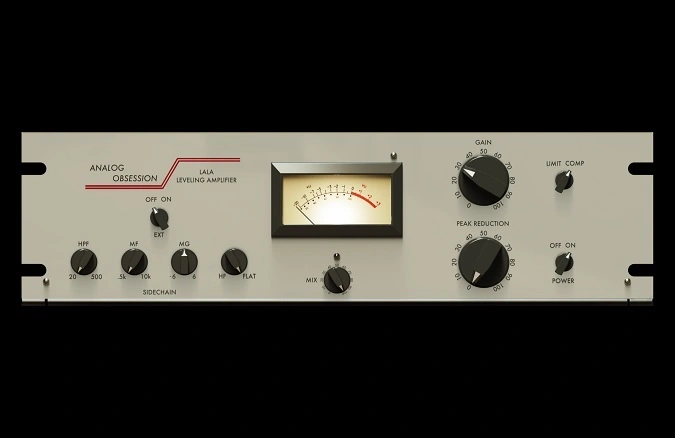
LALA
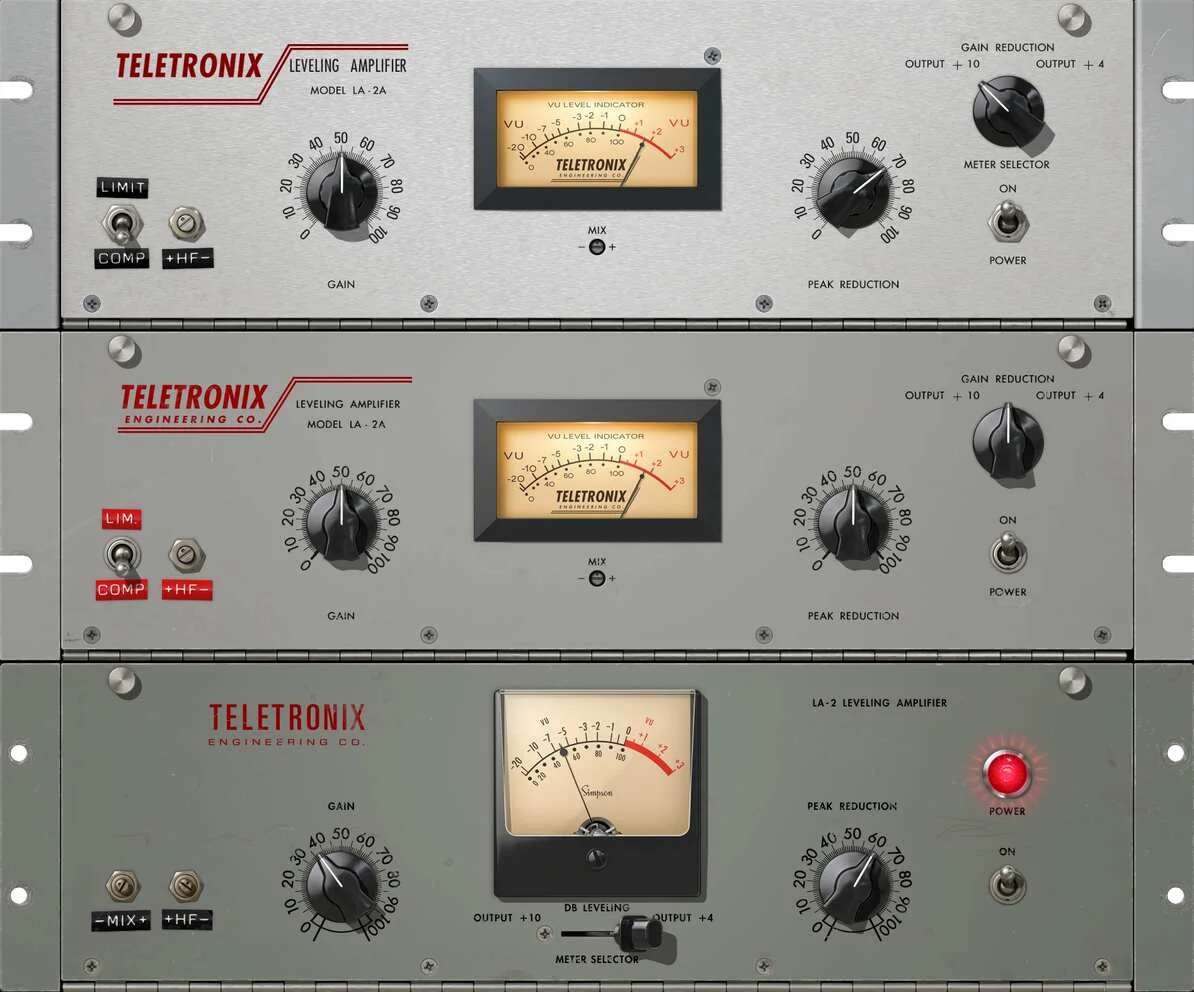
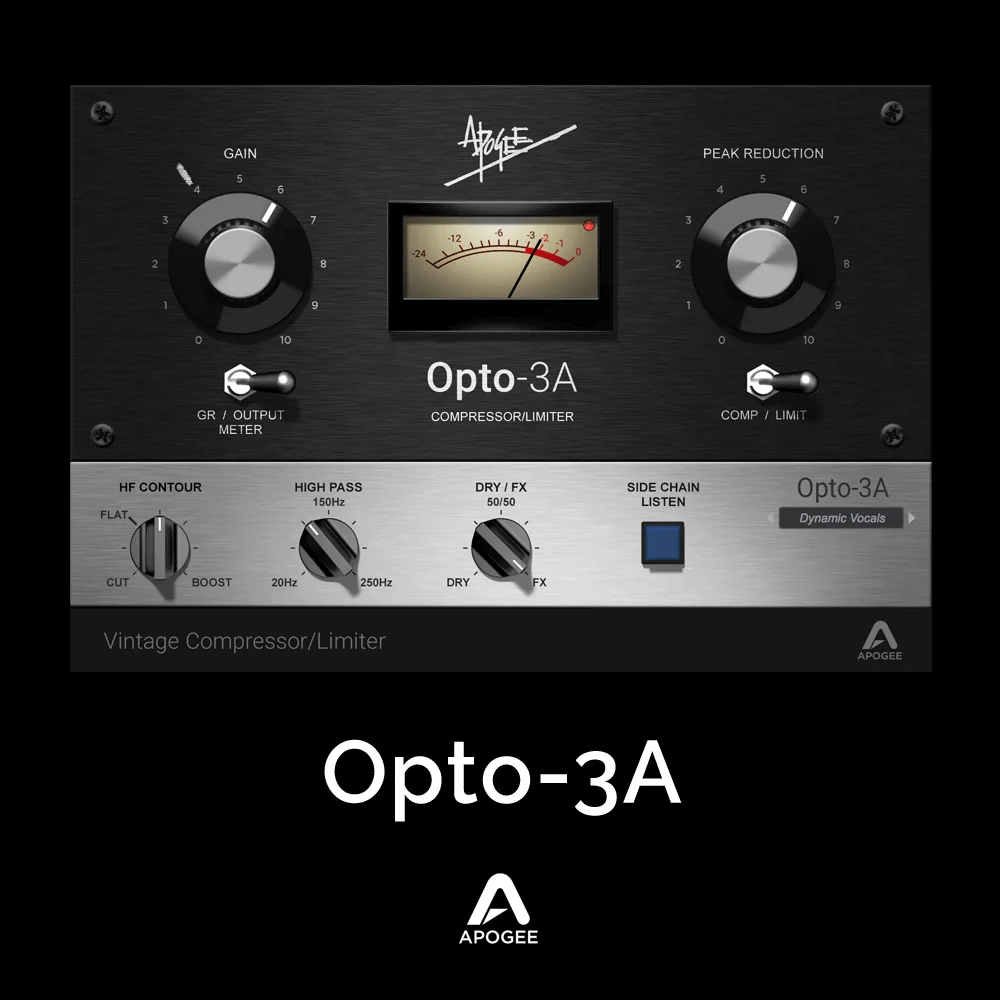
Key Features
- Peak Reduction control for setting compression threshold
- Limit mode for switching from compression to limiting
- External sidechain input with sidechain high-pass filter
- MF/MG and HF sensitivity controls for frequency-aware detection
- Mix control for parallel compression
- 4x oversampling, resizable interface, and touchscreen support
Description
LALA is an Analog Obsession compressor with threshold-style Peak Reduction, make-up Gain, and a Limit mode that changes the response from compression to limiting. Its control set also includes an external sidechain input, sidechain high-pass filtering, separate mid and high-frequency sensitivity controls, and a Mix control for parallel blends.
Use Peak Reduction to set how hard the signal is compressed, then bring the output back to level with Gain. The Limit switch is useful when the track needs firmer peak control, while the external sidechain and HPF controls keep the detector response tied to the way the source is being mixed.
LALA's MF/MG and HF controls adjust sensitivity in the mid and high ranges rather than acting as a conventional equalizer. Clicking the Analog Obsession label engages 4x oversampling, and the interface can be resized from 50% to 200% with touchscreen support.
The documented 3.1 release includes VST3, AU, and AAX Native/Audiosuite formats for macOS 10.11 or higher on Intel or Apple Silicon and VST3/AAX Native/Audiosuite for Windows 10–11. It fits vocals, bass, buses, and other sources where detector shaping and a wet/dry blend are more useful than a large multi-band control surface.
Video Preview

Tips
- Use the PEAK REDUCTION knob to control the amount of compression applied to your signal.
- Adjust the GAIN knob to compensate for any loss in signal level due to compression.
- Engage the LIMIT button for more aggressive limiting, especially useful on dynamic vocal tracks.
- Utilize the external sidechain feature for advanced mixing techniques, such as ducking effects.
- Apply the high-pass filter to prevent the compressor from reacting too strongly to low-frequency content.
- Experiment with the mid and high-frequency sensitivity controls to fine-tune the compressor's response to different elements in your mix.
- Use the MIX knob for parallel compression, blending the compressed signal with the original to maintain dynamics while adding warmth.
- Resize the interface to fit your screen resolution and workflow preferences.
- Enable oversampling for higher audio quality, especially when working with high-resolution audio files.
Frequently Asked Questions
What does LALA's Limit button do?
The developer describes Limit as a mode switch: when engaged, LALA acts as a limiter; when disengaged, it reacts as a compressor. Use Peak Reduction and Gain to set the amount and restore the desired output level.
Can LALA use an external sidechain?
Yes. The EXT control enables an external sidechain, and the HPF control can filter the sidechain signal so low-frequency content does not dominate the detector response.
What do MF/MG and HF change?
These controls adjust the compressor's sensitivity to mid and high frequencies. They shape how strongly those parts of the signal influence detection rather than serving as ordinary EQ bands.
How do I enable oversampling or resize the interface?
Click the Analog Obsession label to engage 4x oversampling. The developer documents a resizable interface from 50% to 200% using the bottom-right handle, along with touchscreen support.


