
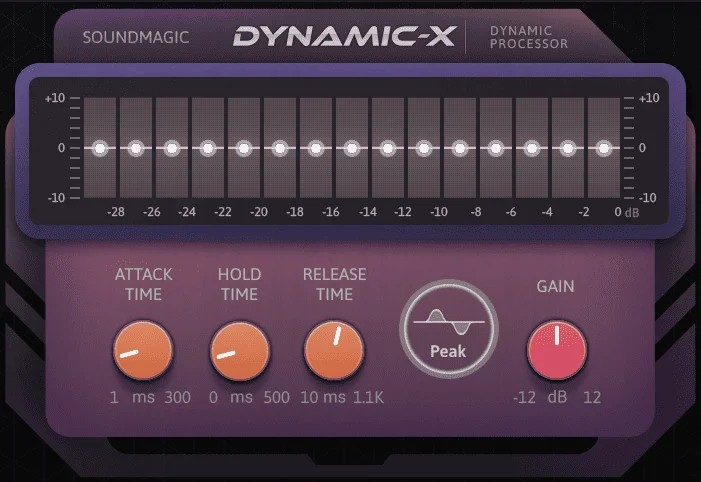
DynamicX
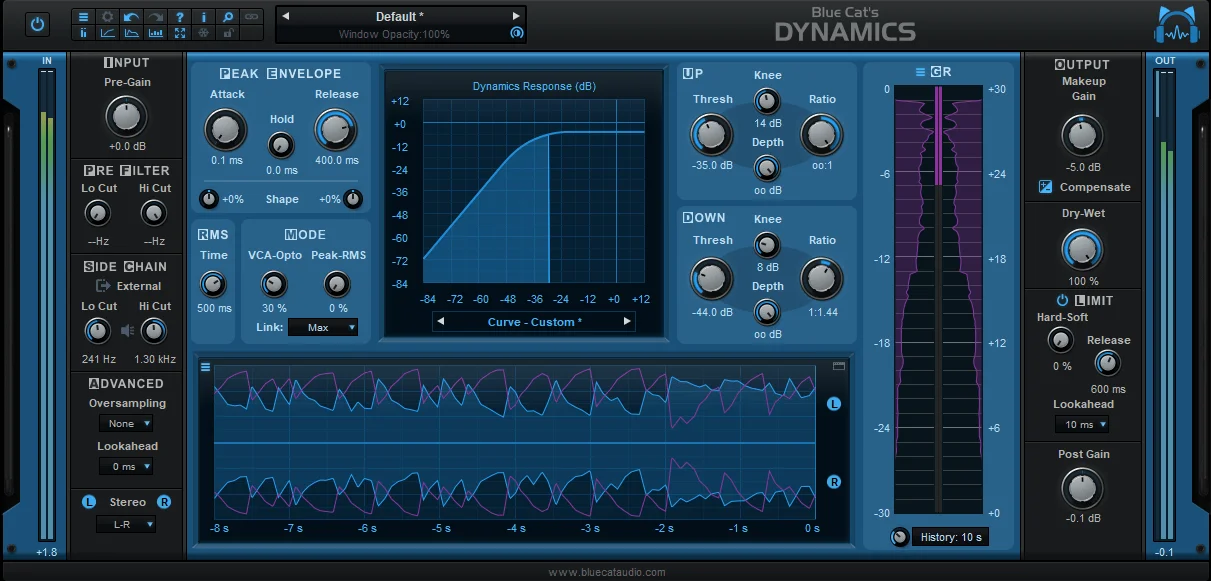
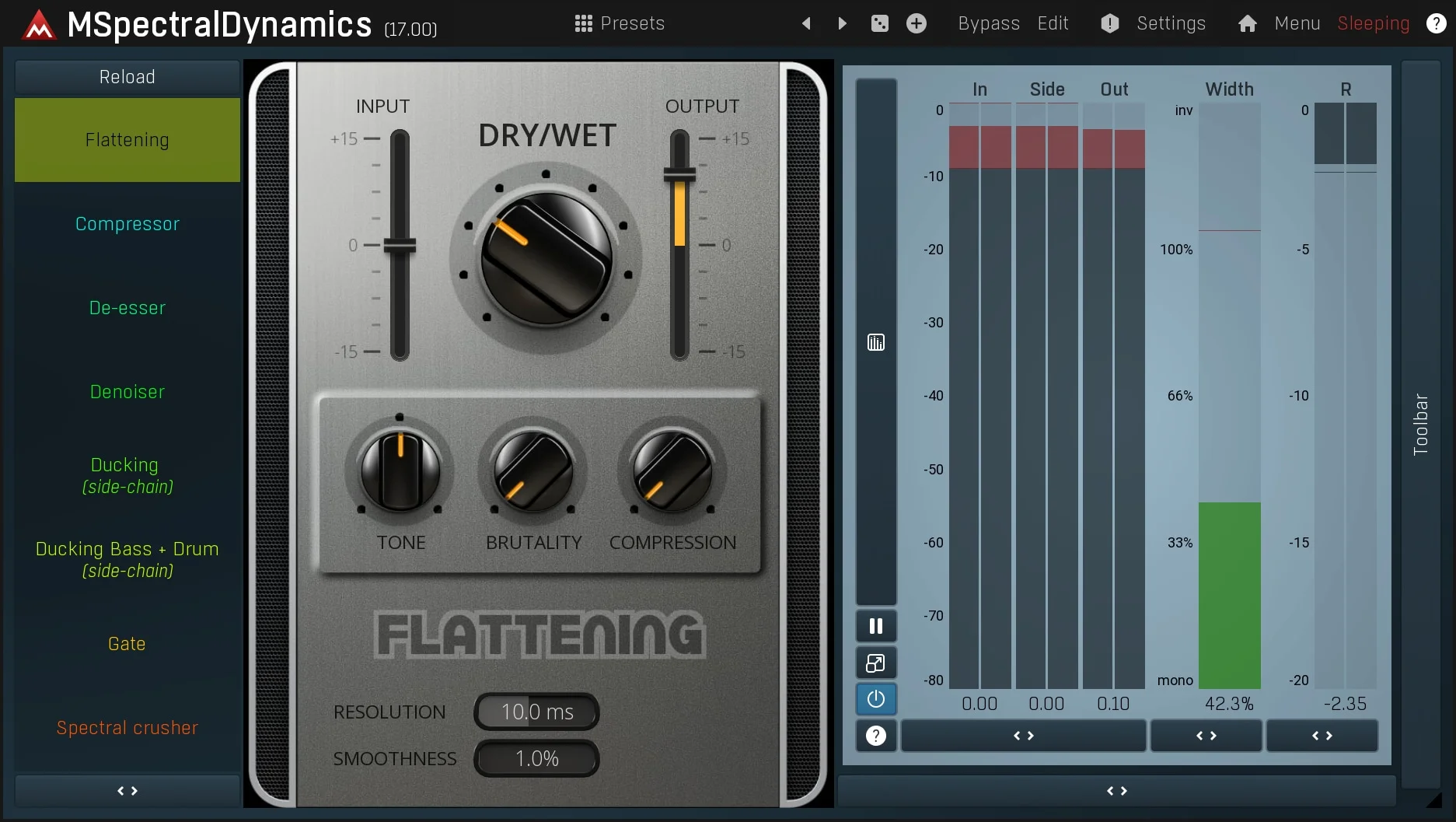
Key Features
- Visual gain-reduction curve drawing for custom dynamics behavior beyond fixed compressor shapes
- Designed for complex or nonlinear dynamics moves on individual tracks, buses, and sound-design material
- Different harmonic-combination options for adding tonal variation while shaping level response
- Straightforward control layout aimed at fast setup without deep manual reading
- Separate Standard stereo release alongside the paid DynamicX Surround version
- Official Sound Magic page provides the Standard stereo download link and password
- Windows VST3 and macOS VST3/AU support from the developer's compatibility notes
Description
DynamicX is a stereo dynamics processor from Sound Magic built around drawing a custom gain-reduction curve. Instead of working only from a fixed compressor or limiter layout, it gives producers a visual way to shape nonlinear level movement for mixing, sound design, and corrective dynamics work.
The Standard stereo version sits beside Sound Magic's paid Surround version, which expands the same idea for multichannel work. The current official page still presents the Standard version as a free download and lists the password needed for the public Sync.com download page.
Its feature set is intentionally direct: the developer highlights dynamic curve drawing, harmonic combination, and controls designed to be understandable without leaning on the manual. That makes DynamicX more useful for broad custom dynamics moves than for recreating one specific vintage compressor circuit.
Third-party launch coverage framed the release as a simpler route into complex or nonlinear dynamics processing, especially for users who want faster control than a conventional threshold-ratio-attack-release workflow. It is best treated as an experimental dynamics utility for shaping how a signal reacts across its level range rather than as a transparent set-and-forget compressor.
Video Preview

Frequently Asked Questions
What makes DynamicX different from a normal compressor?
DynamicX centers on drawing a gain-reduction curve, so the level response can be shaped more visually than a conventional compressor with only threshold, ratio, attack, and release controls. That makes it useful when you want a custom nonlinear response rather than a familiar hardware-style behavior.
Is the Standard version the same as the Surround version?
No. Sound Magic separates the Standard stereo version from DynamicX Surround, which is the paid multichannel edition. The official page presents the Standard version as the downloadable stereo release and sells the Surround version on the same product page.
Where does the download start?
The official Sound Magic product page includes a Sync.com download link for the Standard version and lists the password needed to access it.
Is DynamicX better for mixing or sound design?
It can be used in either role, but the custom curve workflow makes it especially interesting for unusual level shaping, bus movement, and sound-design dynamics. For transparent everyday compression, a more traditional compressor may still be faster.


