
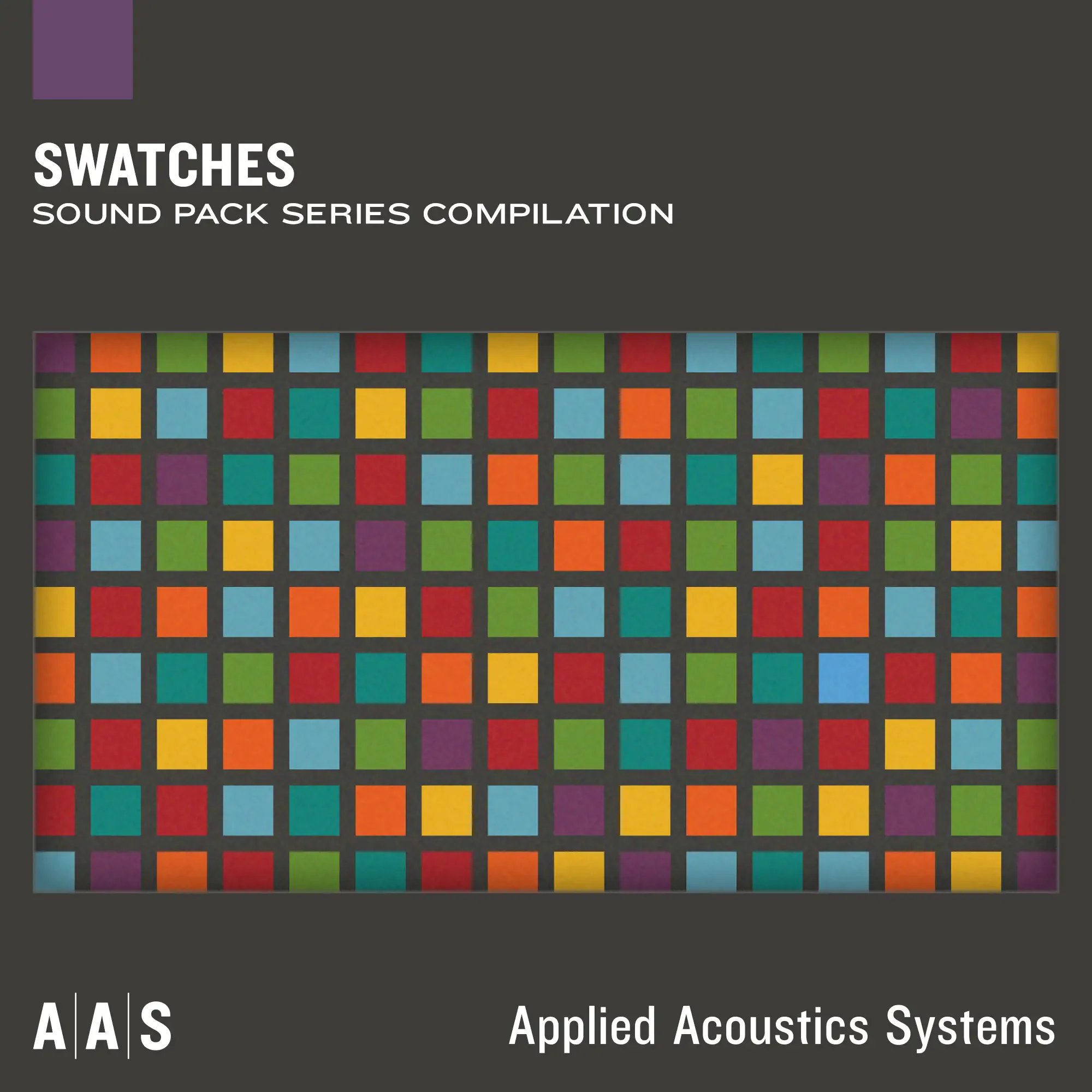
AAS Player & Swatches
Key Features
- Includes a curated and expanding Swatches compilation with more than 950 playable presets.
- Runs the sound engines behind six AAS instruments, spanning modeled acoustic and electronic sound sources.
- Adds selections from newly released AAS sound packs to keep the starter library current.
- Prioritizes preset browsing and immediate playback instead of a deep synthesis-editing interface.
- Works as a standalone instrument or inside compatible DAWs on macOS and Windows.
- Supports VST2, VST3, AU, and AAX Native plug-in formats in 64-bit hosts.
Description
AAS Player & Swatches is a preset-focused virtual instrument that pairs AAS Player with a growing compilation of sounds from Applied Acoustics Systems' Sound Pack Series. It is built for quickly browsing and playing polished keyboard, synth, string, guitar, percussion, and texture presets in a standalone app or a DAW plug-in, rather than programming an instrument from scratch.
The current Swatches library contains more than 950 presets, with AAS adding selections from new sound-pack releases. Its Player hosts the engines behind Chromaphone 3, Strum GS-2, Ultra Analog VA-3, String Studio VS-3, Lounge Lizard EP-5, and Multiphonics CV-2, so the preset palette covers modeled acoustic colors as well as electronic sounds.
The trade-off for its direct workflow is deliberately limited editing: AAS Player is designed to load and play sounds rather than expose the full synthesis controls. That makes it a strong auditioning and writing tool when a ready-made patch is more useful than deep sound design.
AAS lists Swatches for current 64-bit macOS and Windows systems in VST2, VST3, AU, and AAX Native formats, plus standalone operation. The product remains a live AAS offering, but its download flow asks users to subscribe to AAS communications before access.
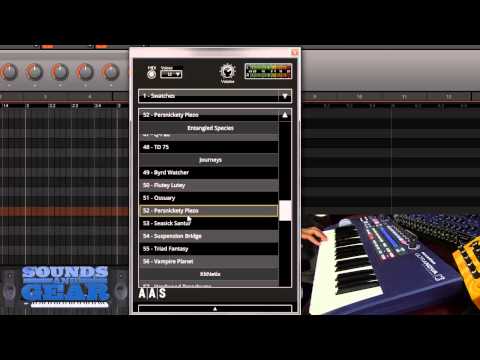
Video Preview
Frequently Asked Questions
What is included with AAS Player & Swatches?
The download combines the AAS Player instrument with Swatches, a curated compilation from AAS's Sound Pack Series. AAS currently lists more than 950 presets, with selected sounds added as new packs are released.
Can I edit Swatches sounds in AAS Player?
AAS says the Player does not let users modify the sounds and is intended for simplicity and immediate playback. Use it as a preset instrument; full AAS instruments offer the deeper sound-design controls.
Which AAS instruments power the Swatches library?
AAS lists Chromaphone 3, Strum GS-2, Ultra Analog VA-3, String Studio VS-3, Lounge Lizard EP-5, and Multiphonics CV-2 as the engines available beneath the Player. The included presets draw on that range of instrument types.
How do I get the AAS Player & Swatches download?
Start at the official Swatches page and use its Free Download action. AAS states that access requires subscribing to its electronic communications, and notes that users can unsubscribe later.


